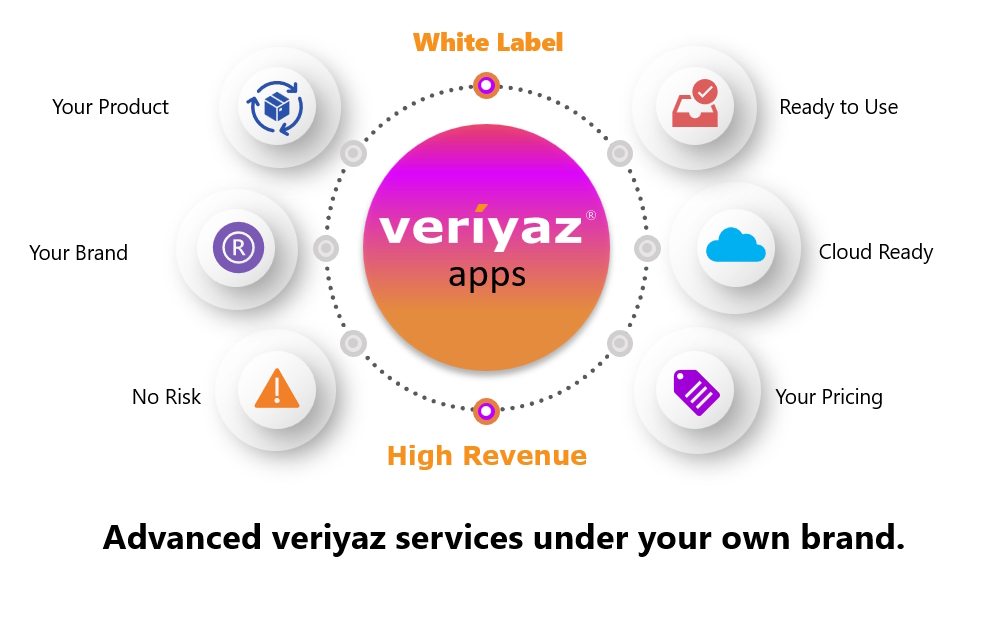
Can I use my own brand name and logo with Corporate Meeting?
Yes, the white-label feature lets you replace the platform's branding with your own. You can use your company's logo, colors, and even your own domain for the meeting URLs. This makes the tool look like it's built by your company, which is useful if you're offering it to clients or just want a consistent internal brand experience.
Does the mobile app work on both iPhone and Android?
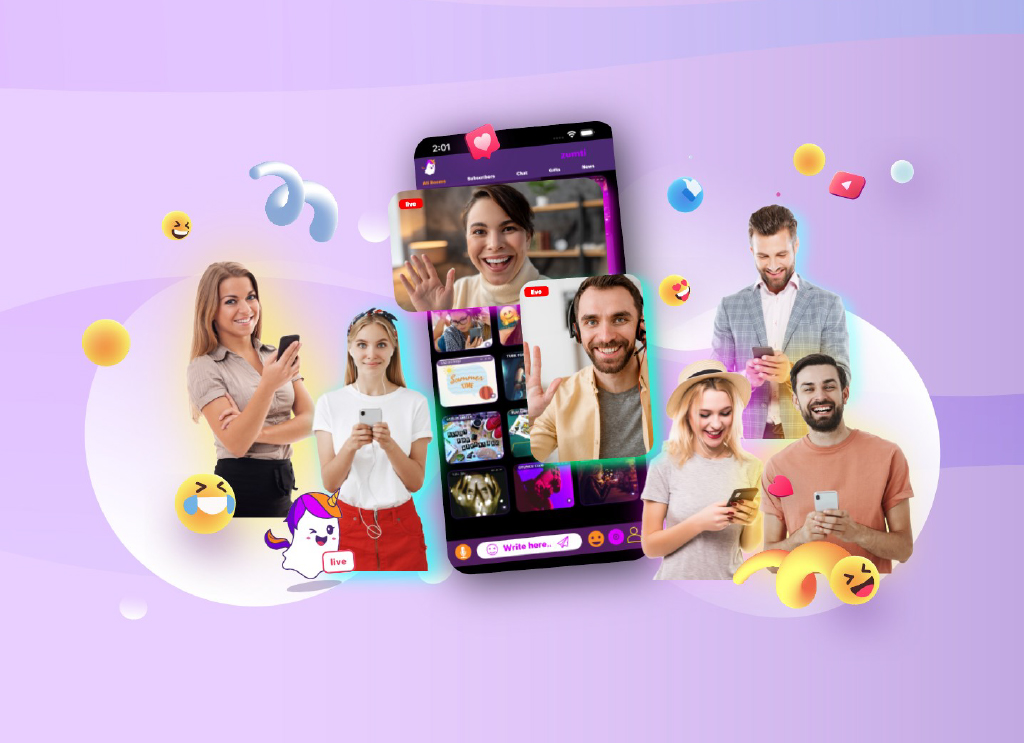
Yes, the mobile app is available for both iOS and Android devices. It supports the same core features as the web version, including video chat, voice chat, text messaging, and room management. This lets participants join meetings from their phones or tablets without losing any functionality.
How do I keep my meeting rooms private and secure?
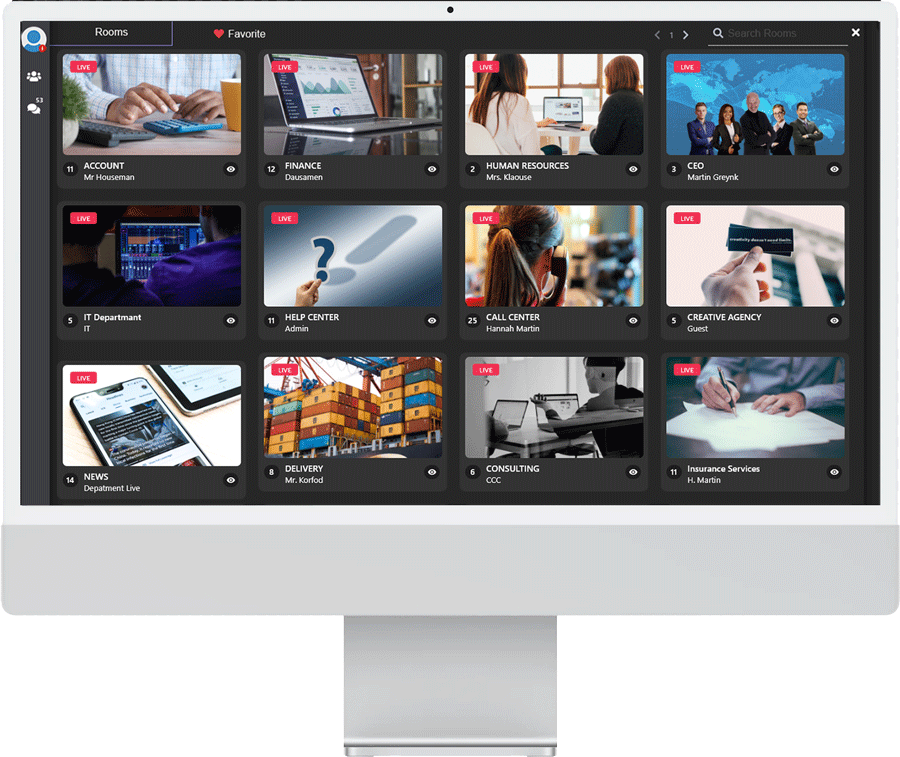
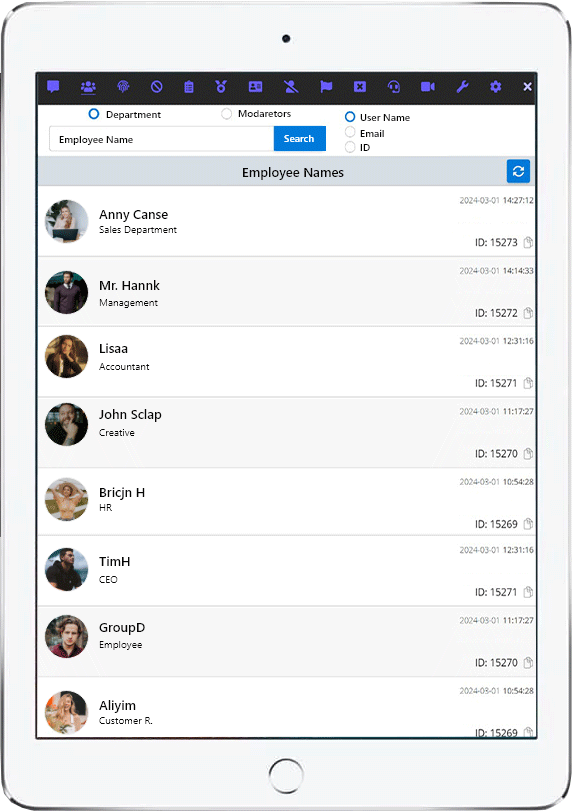
You can lock any room with a password, so only people with the password can enter. There are also options to report or block annoying users, and admins can ban users from specific rooms or the entire site. Role-based permissions let you control who can do what, and all connections are protected with SSL encryption.
Can I customize the look of the meeting room interface?
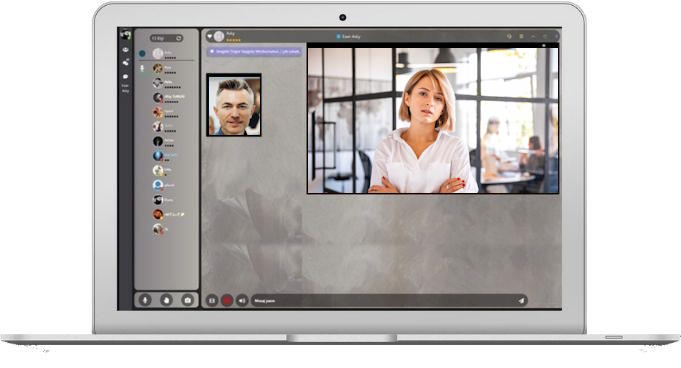
Yes, room owners can change the room's theme and colors to match their event or brand. Individual users can also adjust the text theme and colors for their own viewing. This is handy if you want a specific look for a product launch or training session, or just prefer a darker interface.
Is it possible to play music or share audio during a meeting?
Yes, there's a music streaming feature that lets you share audio from a web or desktop browser tab. This is useful for events like online fairs or product demos where you want to play background music or share a video with sound. It works alongside the voice and video chat without interrupting them.
What login options are available for participants?
Participants can log in with Google, Facebook, or Apple accounts, or use a guest login for quick entry. This makes it easy for external attendees to join without creating a new account. For internal meetings, you can also set up role-based authorization to control access levels for different users.